AI Calendar Buddy vs Motion: Private On-Device AI vs Cloud AI
Both apps use AI to schedule your tasks. The difference is where the AI runs — and what happens to your data along the way.
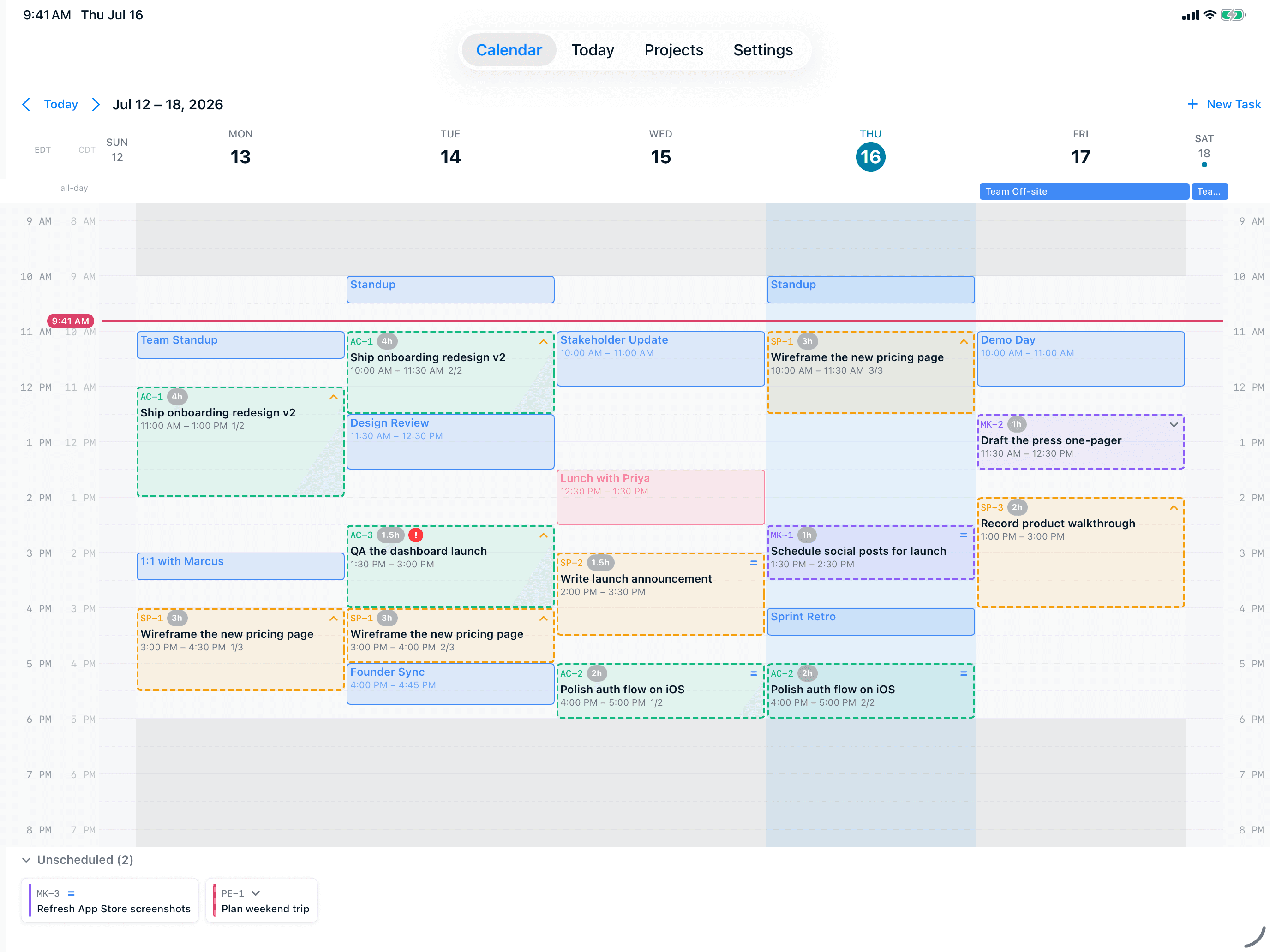
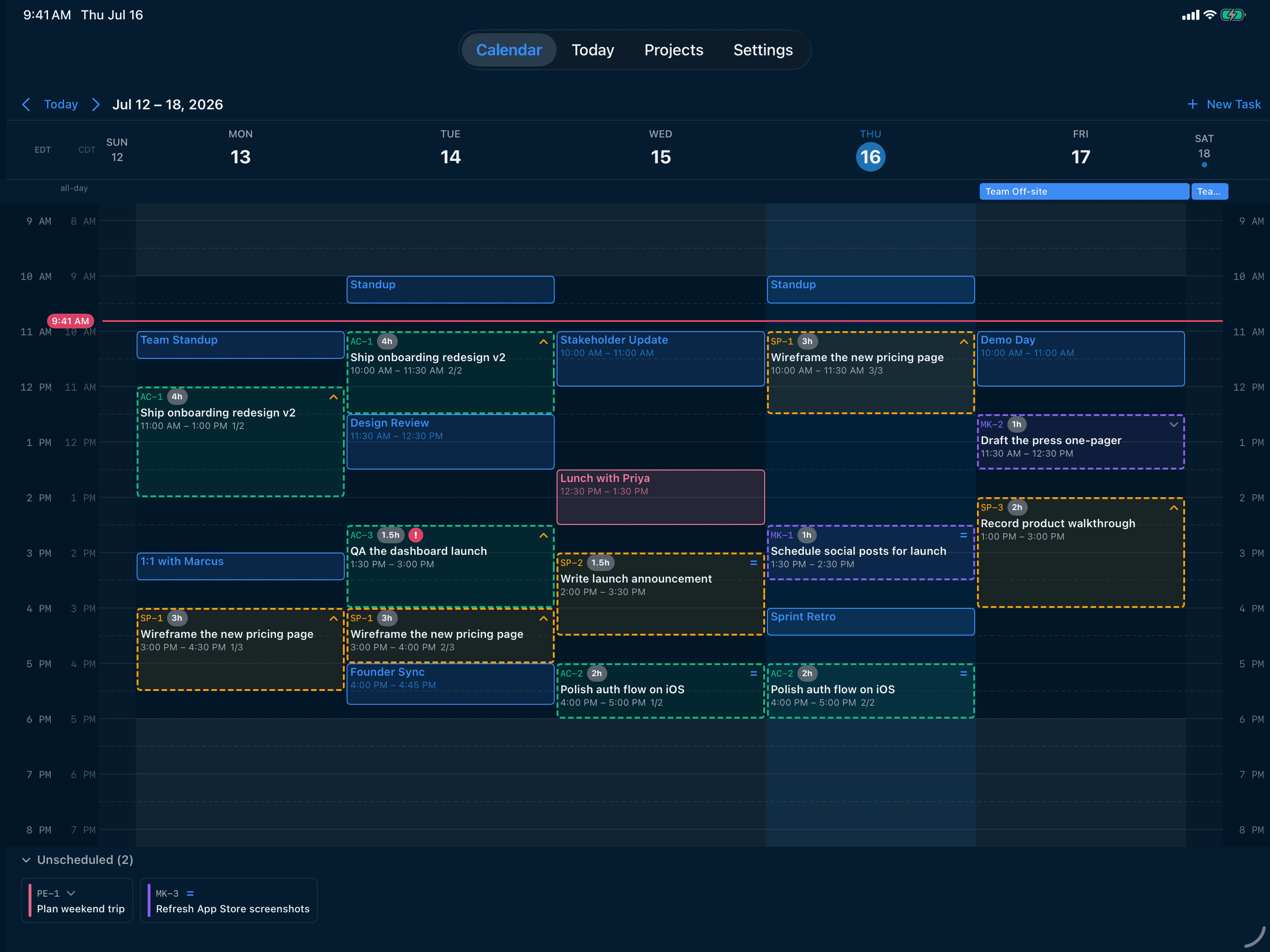
TL;DR
Motion is a mature, web-first AI calendar with strong project management features and team support, but it processes your schedule on cloud servers and requires a paid subscription. AI Calendar Buddy is a private, Apple-native alternative: AI runs entirely on your device via Apple Intelligence, sync uses Apple's encrypted CloudKit, and it reads Apple Calendar natively (which Motion does not). If you live on iPhone, iPad, and Mac and care about privacy, AI Calendar Buddy is built for you.
AI Calendar Buddy vs Motion
Motion (usemotion.com) is a cloud-based AI calendar that auto-schedules tasks across Google and Outlook calendars. It is a web app with iOS and Android companions.
Visit Motion’s sitePricing and feature claims about Motion were verified on May 2026. Third-party products change frequently — check Motion’s site for the most current information. Spotted something out of date? Email aicbsupport@aicalendarbuddy.com and we’ll fix it.
| AI Calendar Buddy | Motion | |
|---|---|---|
| Where AI runs | On your device via Apple Intelligence — no third-party AI model | Motion's cloud servers; calendar and task data processed remotely |
| Apple Calendar support | Native, through Apple's EventKit framework | Not supported as a primary calendar provider |
| Google Calendar support | Read through EventKit when added to Apple Calendar | Yes, via OAuth |
| Outlook / Exchange support | Read through EventKit when added to Apple Calendar | Yes, via OAuth |
| Works offline | AI scheduling works without internet | Requires connection for AI scheduling |
| Data storage | Your device and your private iCloud (CloudKit) — no CamSoftware server | Motion's database, plus third-party AI provider logs |
| Native Mac app | Yes — built with SwiftUI | Web app with iOS and Android companion apps |
| Team / collaboration features | Solo-first; no shared workspaces today | Mature team scheduling, shared projects, meeting booking |
| Pricing | Free tier with AI included; Pro $4.99/mo for unlimited projects | Paid subscription required for individuals and teams |
| Platforms | iPhone, iPad, and Mac | Web, iOS, Android |
Where We Differ
What you get with AI Calendar Buddy
AI runs on your device, not in someone else's cloud
Apple Intelligence processes your calendar locally. Motion sends your tasks, meetings, and scheduling patterns to its servers (and to whichever AI provider it uses). For people whose calendars include client names, medical appointments, or confidential project codenames, this difference is the whole point.
Reads Apple Calendar — the one most AI calendars skip
Apple Calendar is the default on every iPhone and Mac, but it has no public cloud API, so web-based AI calendars like Motion can't see it. AI Calendar Buddy is built natively on Apple's EventKit, which means it reads iCloud, Google, Outlook, and Exchange events through a single system call — no OAuth setup required.
Works offline
Because the AI is on your device, scheduling works on planes, trains, and through outages. Motion's AI requires a live connection to its servers.
No subscription required during beta
AI Calendar Buddy is free while in beta. Motion requires a paid subscription for both individuals and teams — see Motion's pricing page for current details.
When Motion is the better choice
We’re biased, but we’ll be honest. Motion is a better fit if any of these apply:
- You work on Windows, Linux, or Android and need a calendar that runs there too.
- You need team scheduling, shared workspaces, and external meeting-booking links today (those are roadmap, not shipped, for AI Calendar Buddy).
- You're comfortable with cloud AI processing your schedule in exchange for cross-platform parity.
- You don't use Apple Calendar and don't care about iCloud-based privacy.
FAQ
Common questions
Is Motion's AI on-device?+
No. Motion processes your calendar and tasks on its cloud servers, including sending data to third-party AI providers for scheduling. AI Calendar Buddy runs Apple Intelligence on-device — your schedule never leaves your device for AI processing.
Can Motion read my Apple Calendar?+
Motion does not support Apple Calendar (iCloud) as a primary calendar provider. AI Calendar Buddy reads Apple Calendar natively through EventKit, alongside Google, Outlook, and Exchange.
Is AI Calendar Buddy cheaper than Motion?+
AI Calendar Buddy has a free tier that includes the on-device AI scheduling; Pro ($4.99/month or $49.99/year) removes the project limit. Motion requires a paid subscription for both individuals and teams — see Motion's pricing page for current details.
Does AI Calendar Buddy have team features like Motion?+
Not yet. Motion has mature team scheduling, shared projects, and meeting-booking links. AI Calendar Buddy is solo-first today and focused on the single-user Apple workflow.
Does AI Calendar Buddy work on Android or Windows?+
No. AI Calendar Buddy is Apple-native (iPhone, iPad, and Mac). Cross-platform expansion to Android or Windows depends on demand and is not on the near-term roadmap.
What happens to my data with Motion vs AI Calendar Buddy?+
Motion stores your tasks and calendar data on its servers and shares relevant context with third-party AI APIs for scheduling. AI Calendar Buddy keeps data in your private iCloud database (CloudKit) — CamSoftware has no server-side copy and no third-party AI provider receives your schedule.
Compare other options
See how AI Calendar Buddy stacks up against more tools.