The AI Calendar That Reads Apple Calendar
Most AI calendars can't see your Apple Calendar — it has no public cloud API. AI Calendar Buddy is built on Apple's EventKit, so iCloud is a first-class citizen alongside Google, Outlook, and Exchange.
Compatibility
All iCloud calendars on your device — personal, work, shared, and subscribed.
AI Processing
Runs on-device via Apple Intelligence. iCloud events are never sent to a third-party AI model.
Storage
Events are read live from EventKit. AI Calendar Buddy's own tasks live in your private iCloud (CloudKit).
Setup
Zero OAuth. If iCloud is signed in on your device, AI Calendar Buddy can read your calendar after one permission prompt.
Platforms
iPhone (iOS 26+), iPad (iPadOS 26+), Mac (macOS 26+).
Privacy
No server-side copy of your calendar. CamSoftware operates no calendar database.
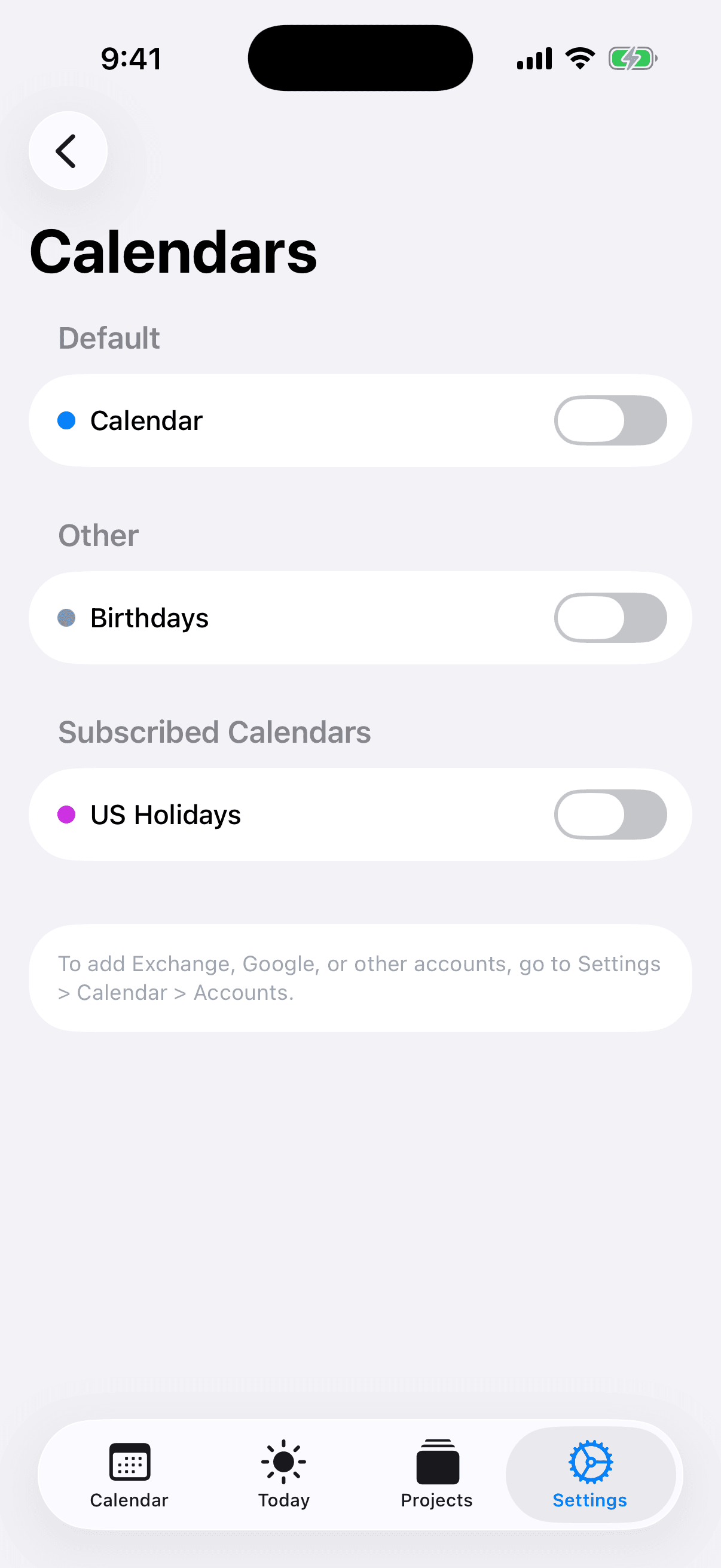
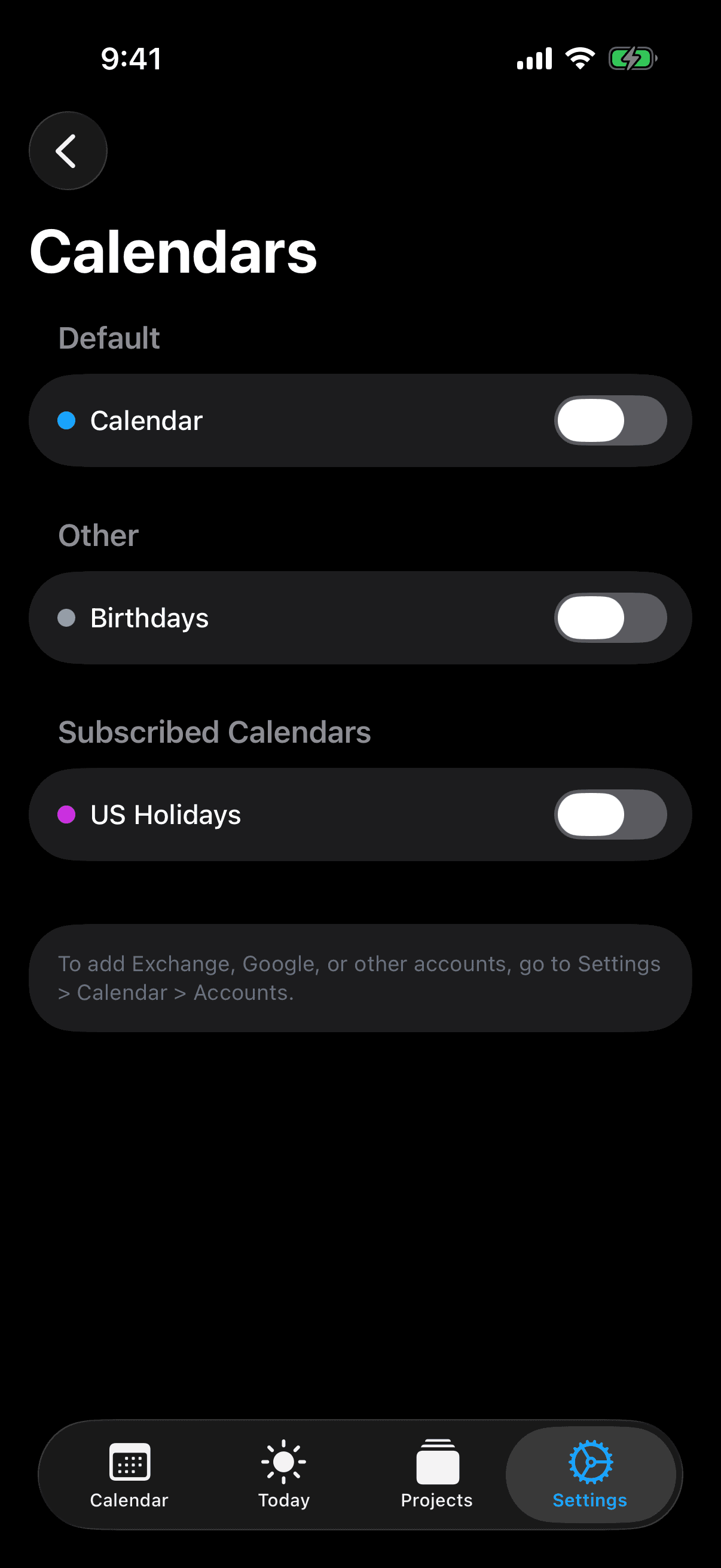
Why most AI calendars can't read Apple Calendar
Apple Calendar (iCloud) doesn't expose a public cloud REST API the way Google Calendar and Microsoft Outlook do. That's an intentional privacy choice from Apple, and it has a consequence: web-based AI calendar tools — Motion, Reclaim.ai, Sunsama, and most others — physically cannot reach iCloud events. They either ignore them, ask you to forward invites, or require you to maintain duplicate calendars in Google. The only way to read Apple Calendar properly is to run as a native app on the device and ask the operating system for access. That's what AI Calendar Buddy does.
How AI Calendar Buddy reads your iCloud calendar
AI Calendar Buddy is built natively in SwiftUI and reads calendars through Apple's EventKit framework. EventKit is the same system API Apple Calendar itself uses to render your events. It provides unified access to every calendar account configured on your device — iCloud, Google, Outlook, Exchange, and any CalDAV provider. The first time you launch the app, you grant calendar access through the standard iOS / macOS permission dialog. From that point on, AI Calendar Buddy reads your real-time event data locally — no OAuth flows, no per-provider API keys, no cloud middleman.
- Reads all visible iCloud calendars (personal, work, family-shared, subscribed)
- Honors per-calendar visibility settings from Apple Calendar
- Updates instantly when events change — no sync delay
- Never modifies your iCloud events without an explicit user action
What the AI does with your iCloud events
Apple Intelligence (Apple's on-device AI framework) reads your existing events as fixed obstacles and finds the optimal placement for your unscheduled tasks around them. If a meeting moves, the AI re-optimizes. If you complete a task in less than its estimated time, the freed slot opens up for the next priority. All of this happens on your device. Your iCloud events — including who you meet with, what the meetings are called, and your personal patterns — never reach a third-party AI provider or a CamSoftware server.
- Existing iCloud events are treated as immutable — the AI plans around them
- Multi-calendar awareness — work, personal, and family events are all respected
- Working hours and blocked dates override any AI suggestion
- Drag-and-drop manual override always wins over the AI
iCloud (CloudKit) vs third-party cloud
AI Calendar Buddy's own tasks, projects, and preferences sync across your devices using CloudKit — Apple's encrypted cloud database. CloudKit data lives in your private iCloud account, not in any AI Calendar Buddy database. CamSoftware (the developer) has no server-side copy of your tasks. This is fundamentally different from web-based AI calendars, which store your data in their own database to make their web apps work.
Setup in under a minute
There's no integration to configure. As long as your iCloud account is signed in on your iPhone, iPad, or Mac, AI Calendar Buddy will see your calendars on first launch.
- Install AI Calendar Buddy from the App Store
- Grant calendar permission when prompted
- Done — your iCloud calendars appear immediately, no OAuth, no setup wizard
FAQ
Common questions
Does AI Calendar Buddy work with iCloud calendars?+
Yes. AI Calendar Buddy reads every iCloud calendar visible in Apple Calendar through Apple's EventKit framework. There's no OAuth or extra setup — if iCloud is signed in on your device, your calendars appear on first launch.
Can AI Calendar Buddy modify my iCloud events?+
Only when you explicitly ask it to. The AI plans new tasks around your existing iCloud events; it never reschedules or deletes events you created elsewhere without an explicit user action.
Are my iCloud events sent to a third-party AI?+
No. AI Calendar Buddy runs all AI on-device through Apple Intelligence. Your iCloud event titles, attendees, and times are never sent to OpenAI, Anthropic, or any third-party AI provider — and never to CamSoftware's servers (we don't operate any).
What about shared iCloud calendars?+
Shared and subscribed iCloud calendars appear automatically alongside your own. You can hide individual calendars from AI Calendar Buddy if you don't want them included in scheduling decisions.
Do I need to be online?+
No. AI scheduling works fully offline because everything runs on your device. iCloud only needs to sync when your calendar changes upstream — which Apple Calendar handles whenever it has a connection.
Is AI Calendar Buddy made by Apple?+
No. AI Calendar Buddy is made by CamSoftware LLC. It is an independent app built natively for Apple platforms using Apple Intelligence, EventKit, and CloudKit. Apple Intelligence is a trademark of Apple Inc.