Protect Your Billable Hours, Automatically
Consulting is sold in hours. AI Calendar Buddy treats every client deliverable as a sized, priced block — and protects that time across every meeting, calendar, and surprise.
Why generic calendars fail consulting work
Most calendar apps assume you do one job for one employer. Consulting and freelancing work differently: each week is a portfolio of client engagements with different rates, deadlines, and confidentiality expectations. The math of "how many billable hours did I actually deliver this week?" is invisible in a stock calendar.
- Client work that doesn't have a calendar block doesn't happen — but blocking time across three engagements by hand is exhausting.
- Client meeting names, project codenames, and prospect lists are confidential — they shouldn't be flowing through someone else's AI servers.
- Hour-based estimates matter (your invoice depends on them) — generic task apps treat hours as an afterthought.
- When a client meeting moves last-minute, the rest of the week's billables need to reshuffle — manually, that's a 20-minute interruption.
A Day in the Life
How AI Calendar Buddy fits your work
Step 1
Set up clients as projects
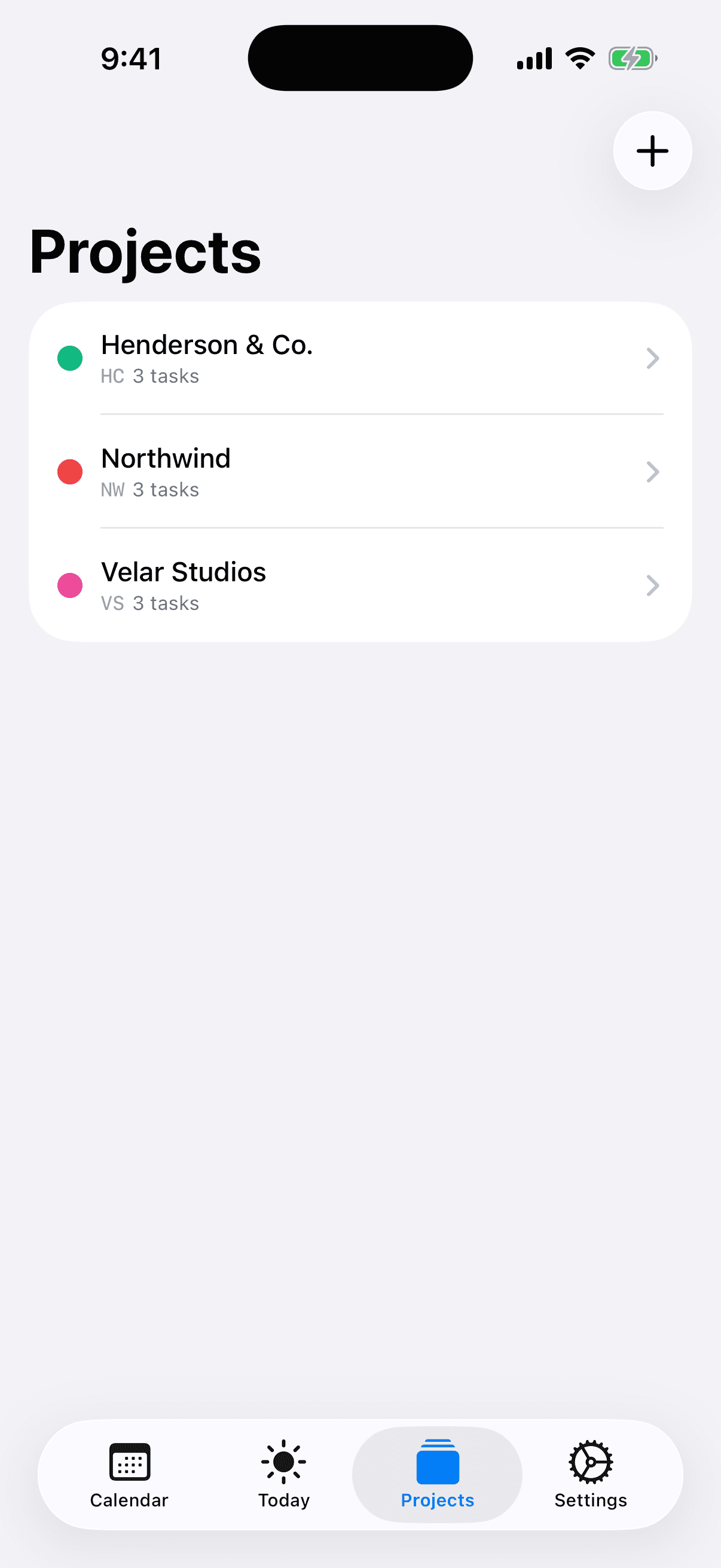
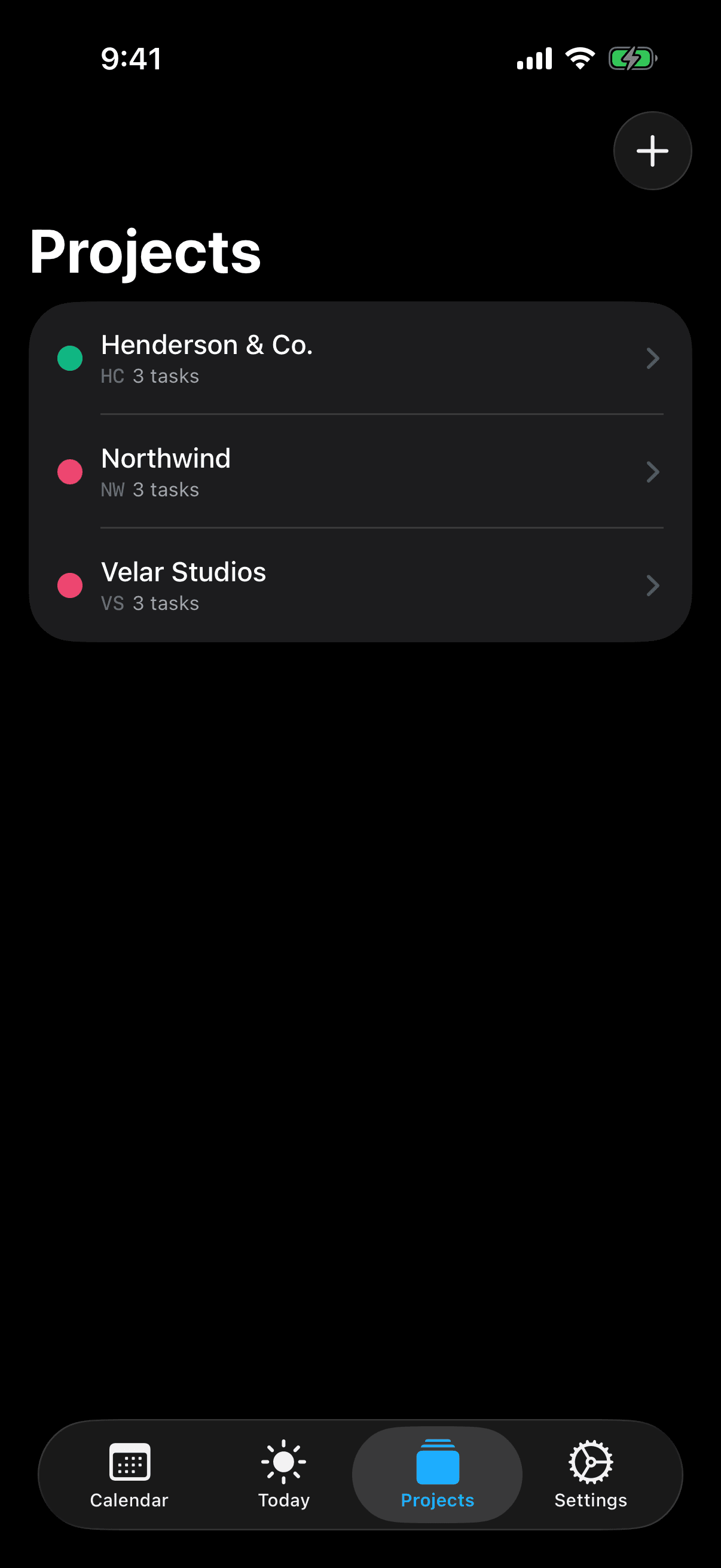
Each client becomes a color-coded project with a short code ("ACME," "NRTH," etc.) that surfaces everywhere — in your week view and your widgets. At a glance you can tell which client is consuming today.
Step 2
Size deliverables in real hours
Tasks size from 0.25 to 40 hours. A 3-hour audit task for ACME is sized as 3 hours, with 9 issue types (Story, Bug, To-Do, Epic, etc.) covering most consulting deliverable shapes.
Step 3
Schedule across the portfolio
Tap Schedule. Apple Intelligence places blocks for every client around your real meetings, prioritizing by deadline and by your priority labels. You can see exactly how many billable hours each client is getting this week before you commit.
Step 4
Surprise call from a client? Re-schedule
When the inevitable last-minute call comes in, accept it on your calendar and tap Schedule again. The remaining billable blocks reshuffle around the new meeting in seconds.
Features That Matter
The features built for consultants
Color-coded client projects
Eight project board colors plus 3-4 character short codes ("ACME," "NRTH") make every block instantly identifiable in the week view and widgets.
Hour-based estimates from 15 min to 40 hours
Match how you bill. Partial completion is honored — log 1 hour of a 4-hour deliverable and only the remaining 3 get reblocked.
5 priority levels and 9 issue types
Critical / High / Medium / Low / None priority. Story, Bug, To-Do, Epic, Spike, and more issue types — enough structure for client work without becoming a project management tool.
Task dependencies
Block deliverable B on deliverable A. The scheduler honors prerequisites so you don't accidentally promise downstream work before the upstream block exists.
Dual timezone view
Your timezone and the client's. Essential when half your engagements are remote — see immediately when a 10am for them lands on your week.
Client confidentiality stays intact
Project codenames, prospect lists, deliverable details — none of that flows through a third-party AI provider or a CamSoftware server. All AI processing is on-device via Apple Intelligence.
Due date urgency badges
Color-coded badges show how close each deliverable is to its deadline. Red means act now; green means breathing room. Surfaces overcommitment before it becomes a problem.
No server-side copy of your work
AI Calendar Buddy stores your tasks, projects, and preferences in your private iCloud (CloudKit). CamSoftware operates no server and has no database of your client work.
MCP server for tool integration
Connect Claude or any MCP client to read and update tasks programmatically. Useful for importing from a client's Jira, GitHub, or Linear without surrendering all your data to a SaaS integration.
FAQ
Questions consultants ask
How does AI Calendar Buddy handle multiple clients?+
Each client is a color-coded project with a short code. Every task is assigned to a project, so every scheduled block is visibly attributed. You can filter the week view by project, and widgets surface today's mix of client work at a glance.
Can I see how many billable hours I've scheduled per client?+
Yes. Hour-based estimates and project assignments let you see at a glance how many hours each client is consuming in a given week. This is intentionally a planning view, not a billing tool — pair with your invoicing software for finalized hours.
Is client information safe with an AI calendar?+
AI Calendar Buddy runs all AI on-device through Apple Intelligence. Client names, project codenames, meeting titles, and deliverable details never reach a third-party AI provider or a CamSoftware server. Sync uses your private iCloud (CloudKit), encrypted by Apple. For consulting work, this matters in a way it doesn't for most other tools.
Does it integrate with my time-tracking tool?+
Not directly today. AI Calendar Buddy is a planning and scheduling tool — pair it with Toggl, Harvest, or your billing software for actual time tracking and invoicing. The MCP server lets advanced users build their own integrations.
What about meeting booking links for new clients?+
Calendly-style booking links aren't in AI Calendar Buddy today. If you need them, keep your booking tool in place — AI Calendar Buddy will respect the resulting calendar events when scheduling around them.
Can I export client work for reporting?+
Scheduled blocks live on your Apple Calendar through standard iCloud calendars, so any calendar-export workflow you already have (Calendar.app export, third-party reporting tools, etc.) continues to work.
Will the AI overbook me?+
No. Working hours and blocked dates are hard limits the AI cannot cross. If your committed work exceeds your billable capacity, the AI will tell you rather than silently overbook.